Email:info@softosmith.com
Working Hours:Mon - Fri: 9 AM - 5 PM (PKT)
We plan and run your Odoo rollout — app sequencing, data model mapping, configuration, data import, and team training — so go-live matches how your team actually operates, for Odoo 17 through 19.
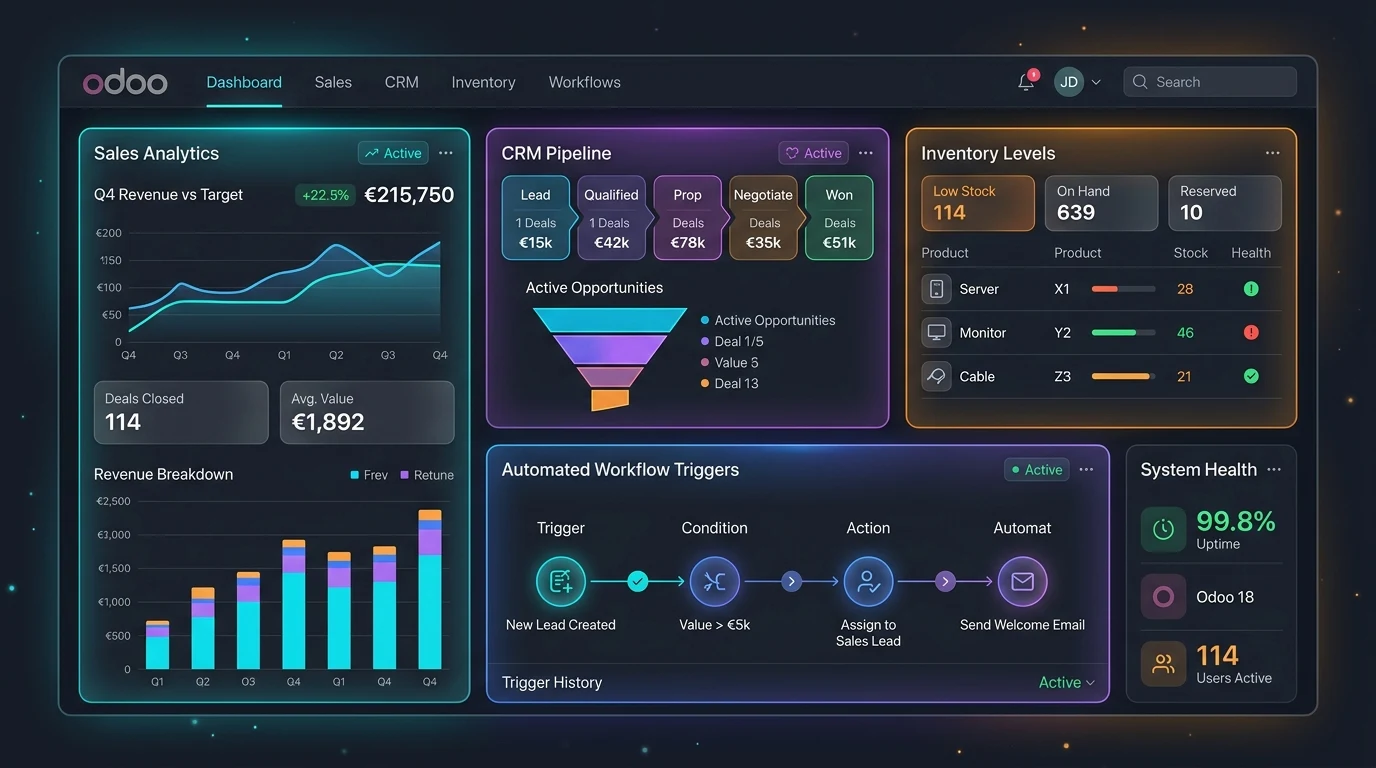
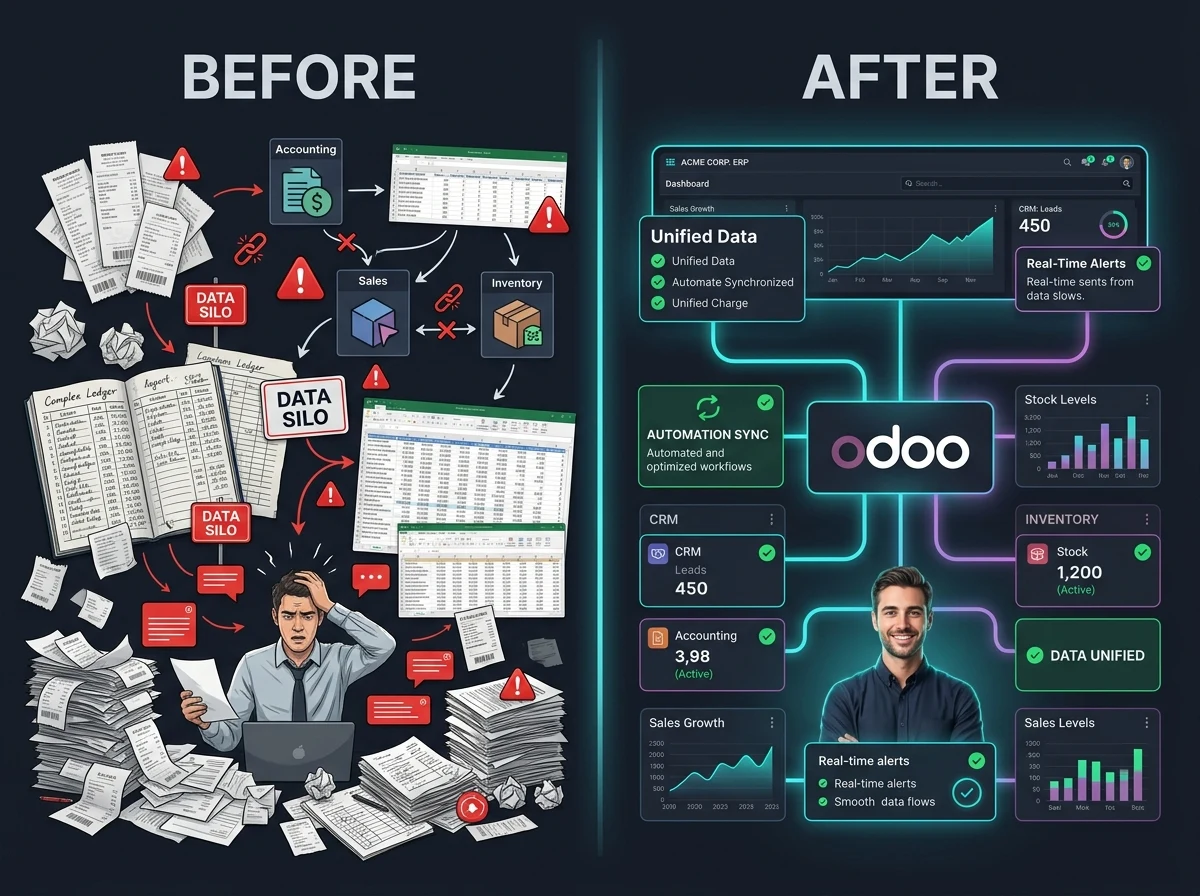
Odoo can run your whole operation, but a rollout that skips data mapping, role planning, or team training usually means bad data, confused users, and a system nobody trusts within the first few months.
Too many apps launched together, overwhelming a team that hasn't had time to adjust.
Spreadsheets uploaded without validation, leaving duplicate customers and broken reports discovered after go-live.
A system handed over with no walkthrough, so your team falls back to old habits or spreadsheets within weeks.
We map your data model, sequence which apps launch when, configure each one to your actual process, import and validate your existing data, and train your team — before handing over a system people are actually ready to use.
Everything needed to take Odoo from a default install to a system your team is actually using well.
CRM, Sales, Inventory, Accounting, Manufacturing, and Website/eCommerce sequenced and scoped so go-live doesn't overwhelm your team at once.
Your customers, products, chart of accounts, and workflows mapped onto Odoo's data model before configuration starts, not discovered mid-build.
Approval flows, pricelists, stock routes, and accounting rules configured to match how your team already operates.
Access rights and record rules set up per team, so people see what they need and nothing they shouldn't.
Clean import of existing customers, products, and open transactions into Odoo, validated against your source data.
A walkthrough for your team and hands-on support during the first weeks of live use, when questions actually come up.
Google Preferred Source is a free Odoo 19 module we built and published on the official Odoo Apps Store — it adds Google's Preferred Sources badge to any Odoo website to boost visibility in Search and AI Overviews. Implementation decisions are safer when the person configuring your system has actually shipped modules to the Apps Store.
Implementation done right means configuring Odoo's real architecture correctly, not stacking workarounds on top of it.
CRM, Sales, Inventory, Accounting, and Manufacturing configured through Odoo's own settings and studio-level customization, not workarounds outside the system.
View inheritance and access rights set up properly per user role, respecting the same security model Odoo core relies on.
Structured imports through Odoo's import tool and ORM-level scripts for data too complex for a spreadsheet upload.
Chart of accounts, product variants, and stock routes modeled correctly on PostgreSQL from day one, so reporting stays accurate.
We've shipped and maintain a published, open-source Odoo app, so implementation decisions reflect what actually works in production, not just documentation.
A clear, six-step process from discovery to ongoing support.
We review your current workflow, systems, and data to map out exactly which Odoo apps and configuration your business needs.
App rollout sequence, data model mapping, and user roles documented and approved before configuration starts.
Apps configured to your process, with any small customizations needed to close the remaining gaps.
Customer, product, and transaction data imported and checked against your source records.
Team walkthrough, staged go-live, and hands-on support during the first weeks of live use.
Ongoing support as real usage surfaces small adjustments and questions.
MRP and inventory apps implemented around your actual production floor, not a generic template.
POS, inventory, and Website/eCommerce apps rolled out together so stock stays in sync across channels.
Project, timesheet, and invoicing apps implemented to match how your team bills and delivers work.
CRM and invoicing implementation connected to enrollment and course systems, including Moodle where relevant.
Appointment and inventory apps implemented with compliance-aware access rules for regulated operations.
CRM and contract management implemented around your sales and leasing process.
No client logos or star ratings here — just the commitments every implementation is held to.
You work directly with the engineer running your implementation — no account managers relaying messages back and forth.
The quote we give you upfront is what you pay. No surprise invoices once implementation starts.
Not just internal work — we've built and published a free, open-source Odoo app on the official Odoo Apps Store, so it's live for you to inspect before you hire us.
Your configuration and data, on your Odoo instance. Nothing rented, nothing locked behind us after handover.
You know exactly where your rollout stands at every stage, from discovery through go-live — no radio silence.
A post-launch support window is built into every engagement, so questions in the first weeks of live use don't become your problem alone.
Fixed-scope pricing to start — final quotes depend on the apps and data volume involved. Running a multi-company or multi-warehouse setup? Contact us for an Enterprise quote.
$2,500 starting
Implementation of one Odoo app — CRM, Sales, Inventory, or Accounting.
$8,000 starting
A scoped multi-app rollout, with data migration and training included.
Straight answers to what clients usually ask before starting a rollout.
Implementation is configuring Odoo's existing apps — CRM, Sales, Inventory, Accounting — to match your process. Custom module development is writing new code when configuration alone can't close the gap. Most projects start with implementation and add custom modules only where needed. See our full Odoo development overview for how the two fit together.
We implement on Odoo 17 through 19, including Community, Enterprise, and Odoo.sh.
Odoo.sh and on-premise both support custom module installation and staging branches if you'll need customization later. Odoo Online (Odoo's SaaS hosting) restricts custom module installation, so we'll flag that early if it affects your long-term plan.
A single-app rollout typically takes 2 to 4 weeks. A full multi-app implementation with data migration usually runs 6 to 12 weeks, depending on how many apps are involved and how much legacy data needs cleaning up.
Yes. Data import and validation from your existing systems is part of every implementation engagement, whether that's spreadsheets, another CRM, or a legacy ERP.
Yes, and it's included. We run a walkthrough for your team and provide hands-on support during the first weeks of live use, when most real questions come up.
Implementation is primarily configuration — settings, views, and workflows within Odoo's existing apps. If your process genuinely needs new logic Odoo doesn't support out of the box, that becomes a scoped custom module, priced separately.
Every implementation includes a post-launch support window for the questions and small adjustments that come up once your team is actually using the system day to day.
Tell us about your process and we'll scope an implementation plan around it.
Get a Free Odoo Quote
