Email:info@softosmith.com
Working Hours:Mon - Fri: 9 AM - 5 PM (PKT)
We plan and run your Odoo version upgrade or legacy data migration with careful data mapping, custom module compatibility checks, and a cutover built to minimize downtime, for Odoo 17 through 19.
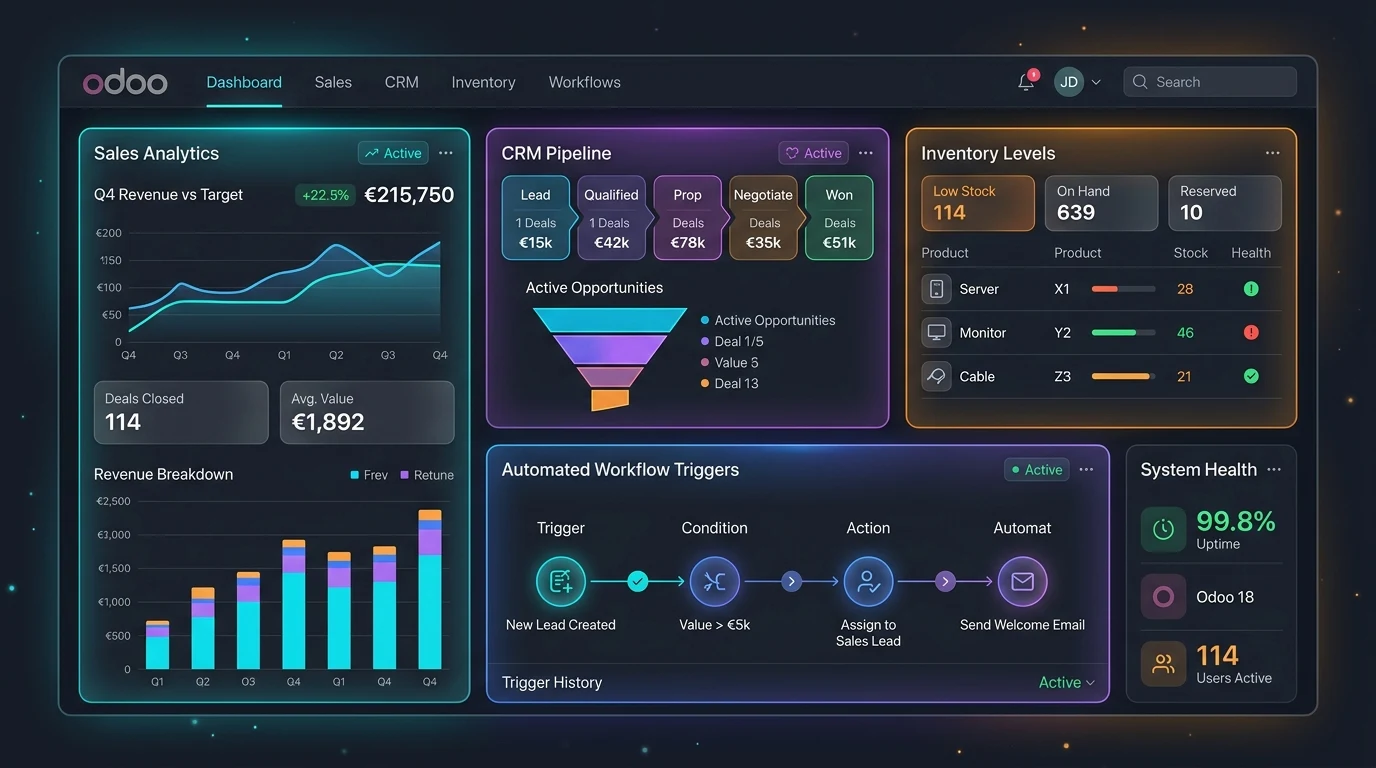
Delaying an Odoo upgrade feels safer, until unsupported versions lose security patches, custom modules stop finding developers who remember the old APIs, and the eventual migration only gets harder.
Jumping straight to the latest version and skipping the compatibility checks each step exists for.
Duplicate records and inconsistent formats carried straight into the new system instead of cleaned first.
A cutover run without staging or a rollback plan, so problems surface in production instead of before go-live.
We audit your current version or legacy system, map and clean your data, review custom modules for compatibility, and stage the migration in a test environment before a timed cutover — so the move to a newer Odoo doesn't disrupt your team.
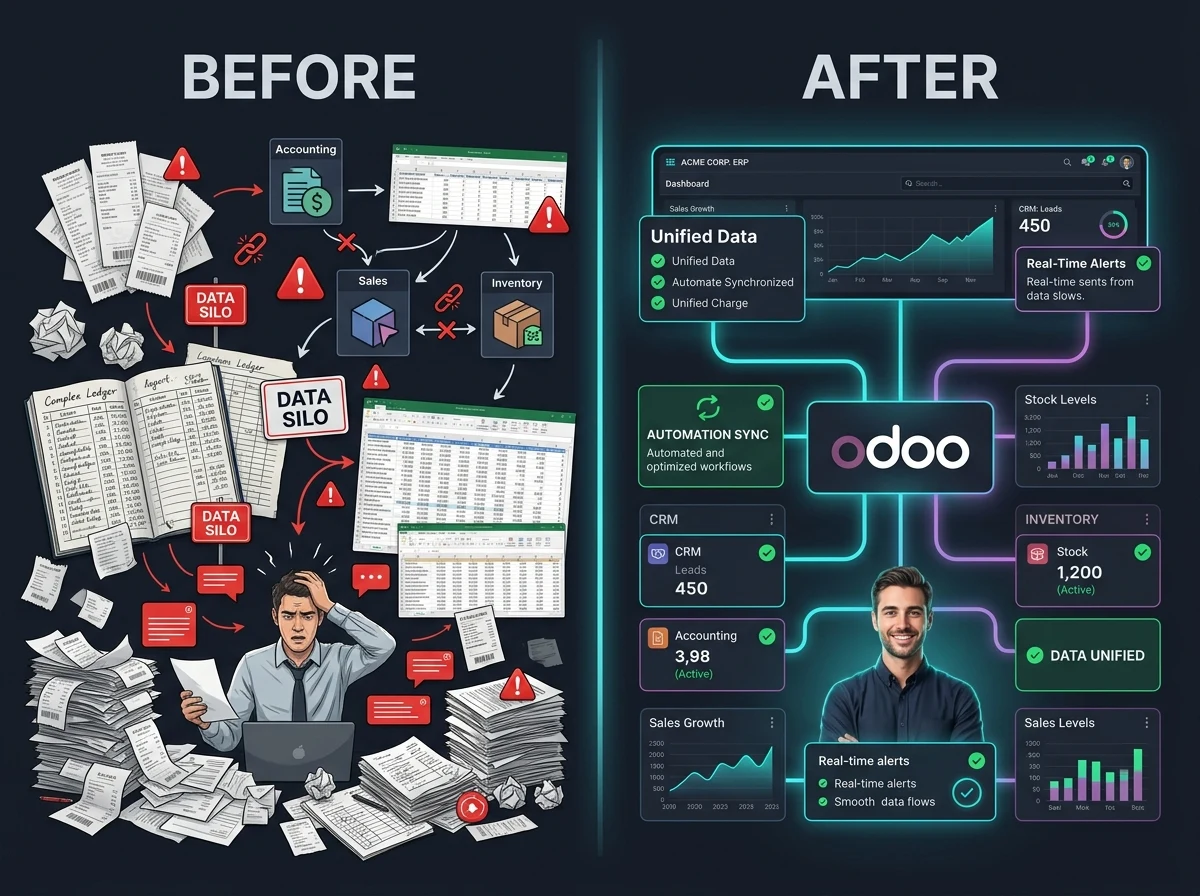
Everything needed to move your business onto a newer, more capable Odoo environment without losing data or momentum.
A planned upgrade sequence through Odoo's supported versions, so nothing gets skipped or breaks silently along the way.
Legacy fields, duplicate records, and inconsistent formats mapped and cleaned before they ever touch your new instance.
Existing custom modules audited and updated so they keep working against the new Odoo version's ORM and views.
A staging environment where the migration runs and gets validated before it ever touches your production data.
A cutover plan timed and rehearsed to keep your team's downtime as short as possible during go-live.
Moving off a legacy ERP or spreadsheet-based system into Odoo, with data validated against your real records.
Google Preferred Source is a free Odoo 19 module we built and published on the official Odoo Apps Store — it adds Google's Preferred Sources badge to any Odoo website to boost visibility in Search and AI Overviews. Maintaining a live, published module means we track exactly what changes between Odoo versions, not just what the release notes say.
A safe migration means understanding exactly what changes between Odoo versions, not just running an automated script and hoping.
Migration scripts run through Odoo's own upgrade path (17 to 18 to 19), not a risky direct jump that skips compatibility checks.
Data transformation and cleaning scripts written against Odoo's ORM, so migrated data respects the same validation rules as native records.
Custom views and access rules re-verified against the new version's view inheritance model, since these are common upgrade breakage points.
Schema changes between versions reviewed at the PostgreSQL level, so reporting and integrations stay accurate after migration.
We've shipped and maintain a published, open-source Odoo app, so we know exactly what breaks — and what doesn't — across Odoo version upgrades.
A clear, six-step process from audit to ongoing support.
We review your current Odoo version (or legacy system), custom modules, and data quality to scope the migration.
Upgrade path, data mapping, and custom module compatibility fixes documented and approved before work starts.
Legacy or existing data cleaned, de-duplicated, and mapped onto the new Odoo version's data model.
The migration run and validated on a staging environment, tested against your real records.
A timed cutover to production, with downtime minimized and a rollback plan in place.
Ongoing support to catch anything that surfaces once your team is back to live usage.
Migrating MRP and inventory data without losing production history or open work orders.
Migrating product catalogs, stock levels, and order history without interrupting sales.
Migrating project, timesheet, and invoicing history without breaking active billing cycles.
Migrating CRM and invoicing data connected to enrollment systems, including Moodle where relevant.
Migrating appointment and compliance-sensitive data with care for regulated operations.
Migrating property, lead, and contract data without losing active deal history.
No client logos or star ratings here — just the commitments every migration is held to.
You work directly with the engineer running your migration — no account managers relaying messages back and forth.
The quote we give you upfront is what you pay. No surprise invoices once migration starts.
Not just internal work — we've built and published a free, open-source Odoo app on the official Odoo Apps Store, so it's live for you to inspect before you hire us.
Your data and configuration, on your Odoo instance. Nothing rented, nothing locked behind us after handover.
You know exactly where your migration stands at every stage, from audit through cutover — no radio silence.
A post-migration support window is built into every engagement, so anything that surfaces after cutover doesn't become your problem alone.
Fixed-scope pricing to start — final quotes depend on data volume and custom module count. Migrating a multi-company setup? Contact us for an Enterprise quote.
$2,500 starting
Upgrading an existing Odoo instance to a newer supported version.
$7,000 starting
Moving from a legacy ERP or spreadsheets into a current Odoo version.
Straight answers to what clients usually ask before starting a migration.
We handle upgrades through Odoo 17, 18, and 19, following Odoo's supported upgrade path rather than a risky direct jump that skips compatibility checks.
Yes. We built and published Google Preferred Source, a free, open-source Odoo 19 module on the official Odoo Apps Store, so we track version compatibility issues firsthand, not just from documentation.
It depends on data volume and custom module complexity, but we plan and rehearse the cutover in staging first specifically to keep production downtime as short as possible.
We audit every custom module for compatibility with the target version before migration, and fix or rebuild anything that would break — rather than discovering it after go-live.
Yes. We handle data mapping, cleaning, and de-duplication from legacy ERPs, CRMs, or spreadsheet-based systems into Odoo, tested against your real records before go-live.
Odoo.sh has built-in upgrade tooling and staging branches that make version upgrades smoother. On-premise migrations are still fully supported, just with more manual staging setup on our end.
Every migration plan includes a rollback option, tested in staging beforehand, so a failed cutover doesn't mean lost data or extended downtime.
Yes. Every migration includes a post-migration support window to catch anything that surfaces once your team is back to live, day-to-day usage.
Tell us your current version and data situation, and we'll scope a migration plan around it.
Get a Free Odoo Quote
