Email:info@softosmith.com
Working Hours:Mon - Fri: 9 AM - 5 PM (PKT)
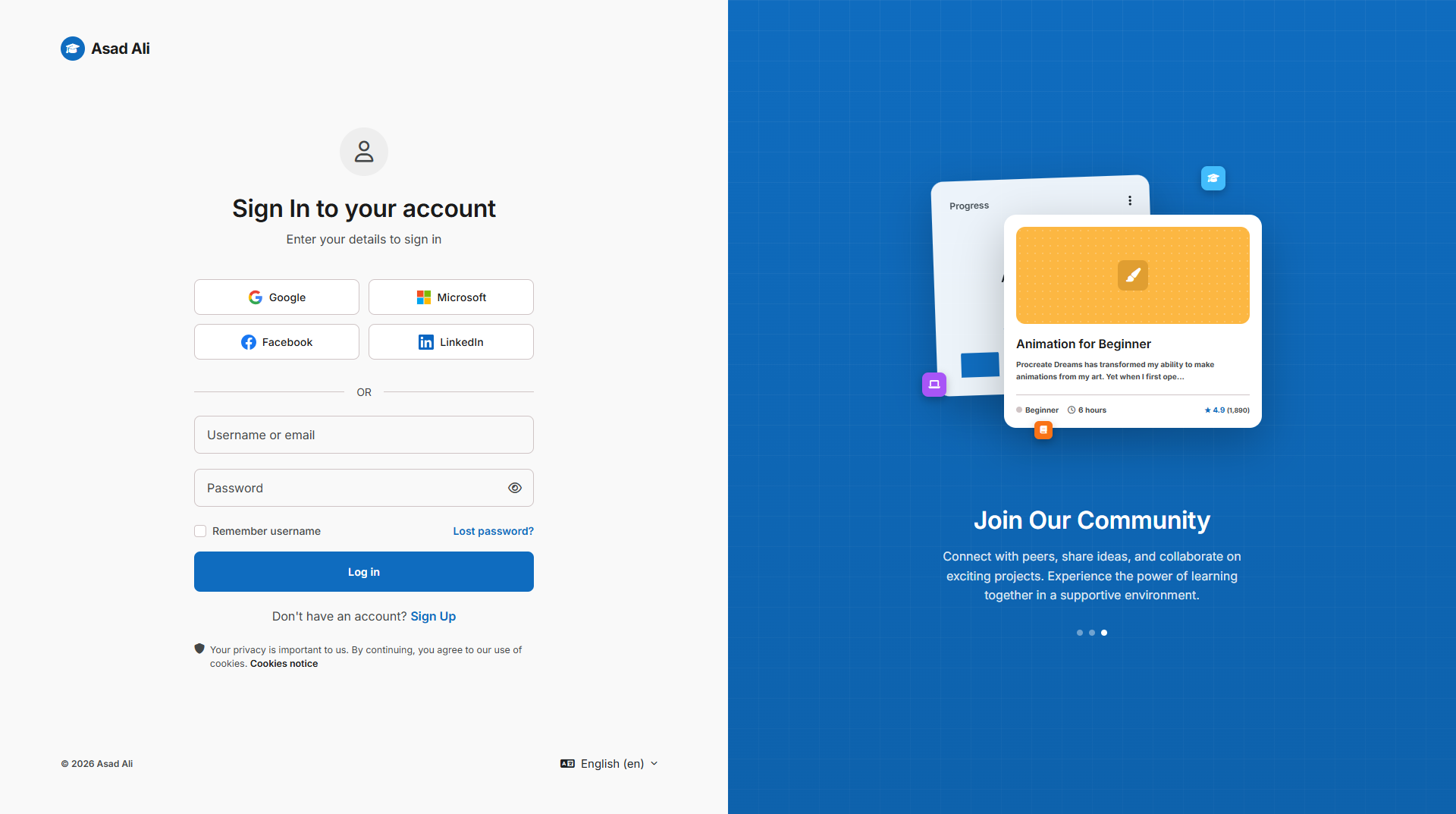
Logini is a free, open-source Moodle theme built by Softosmith that replaces Moodle's plain default login page with a modern, premium authentication experience. It's built as a Boost child theme, so it inherits Moodle's core stability and stays compatible with future updates.
If your Moodle site's login page still looks like the out-of-the-box default, Logini is a free, five-minute upgrade that makes a much better first impression on students and staff.
Any Moodle administrator, school, university, or online course provider who wants a more professional, branded login experience without hiring a developer. Logini is a good fit whether you're running a single course site or a large multi-tenant Moodle platform.
theme/logini directory.Moodle 5.0 to 5.2 (requires version 2025041400 or above). Need help with installation or custom branding? Softosmith also offers custom Moodle theme development.
Yes. Logini is a free, open-source Moodle theme published by Softosmith on GitHub. Download it, install it, and use it on as many Moodle sites as you like.
Logini supports Moodle 5.0 through 5.2, and requires Moodle version 2025041400 or above. It's built as a Boost child theme so it stays compatible with core updates.
Download the repository from GitHub, extract the files into your site's theme/logini directory, then go to Site Administration > Notifications to trigger the installation, and activate it from the Theme Selector.
Yes. Logini ships with its own settings page under Site Administration > Appearance > Themes > Logini, where you can customize branding and visual options without touching any code.
No. Installation is done through the Moodle admin interface, and branding is configured through theme settings. If you'd rather not do it yourself, Softosmith also offers custom Moodle theme development and setup services.
No email forms, no account required. Access and download Logini — Download 100% Free Moodle Login Theme directly using the verified links below:

